Ask a hotelier what guests remember and you'll hear about beds, breakfast, and location. Ask the guests and the network comes up fast. In a Hotel Internet Services survey of hoteliers and guests reported by Hospitality Technology, more than 90 percent of guest respondents called the ability to access a hotel's WiFi "very important," and 58 percent said WiFi service quality was highly likely to affect their booking decisions. The same survey found more than 80 percent of guests still encountering hotel WiFi that disappoints.
Everyone cares; most are let down. Closing that gap is what modern hospitality WiFi is really about - and it is less a hardware problem than an identity problem: how guests get online, what they can reach once they're on, and whether they ever have to think about it again.
Why Is WiFi Still the Amenity Hotels Get Wrong?
Part of the answer is arithmetic. Guests stopped traveling with one device years ago: in the same Hotel Internet Services survey, more than 90 percent of hoteliers said they frequently encounter guests connecting more than one device - a 30 percent increase over the 2015 edition of the survey. A network sized for a phone per room now carries phones, laptops, tablets, and streaming sticks, all at once, all evening.
But capacity is only the visible half of the problem. The invisible half is friction and trust:
- Login friction: A password-of-the-day taped to the front desk, or a portal that demands a room number and last name from every device, every day, turns connectivity into a chore guests repeat their entire stay
- No memory: The network treats a loyal guest on their tenth visit exactly like a stranger - same splash page, same form, same sigh
- Flat networks: When guest, staff, and payment traffic share one undivided network, every problem becomes everyone's problem, and every fix waits on everyone's sign-off
And guests rarely complain at the front desk - they complain in reviews. A peer-reviewed study in Annals of Tourism Research analyzed 4,800 guest opinions about hotel WiFi service and found the pattern you would expect: the faster the connection, the lower the probability that a guest writes a negative review.
What Should the Guest Login Actually Look Like?
The captive portal is still the front door for most properties, and there is nothing wrong with that. A portal done well is fast, branded, and forgettable. Done well means:
- Verify the stay, not the person. Room number plus last name, or an access code handed over with the key card, is enough to gate access to registered guests - no account creation, no password to invent
- One login per stay. Session length should match the reservation: authenticate at check-in, stay connected until checkout. Daily re-authentication is a policy choice, and it is the wrong one
- Every device, one identity. A guest's phone, laptop, and tablet should hang off the same reservation, with bandwidth policy applied per guest rather than per gadget
- Tiers without friction. An included tier for browsing and a premium tier for streaming or video calls can share the same portal - the upgrade should be one tap, not a second registration
- Event access on codes. Conference organizers get voucher codes and their own bandwidth pool, so a 200-person keynote never competes with leisure guests for airtime
Count the Taps
Audit your own portal from the parking lot: how many taps from "join network" to actually online? Every extra field is a guest who gives up and burns cellular data instead - and remembers the hassle at review time. If your flow needs more than a stay verification and one button, ask what the extra fields are buying you.
How Does Passpoint Make the First Login the Last One?
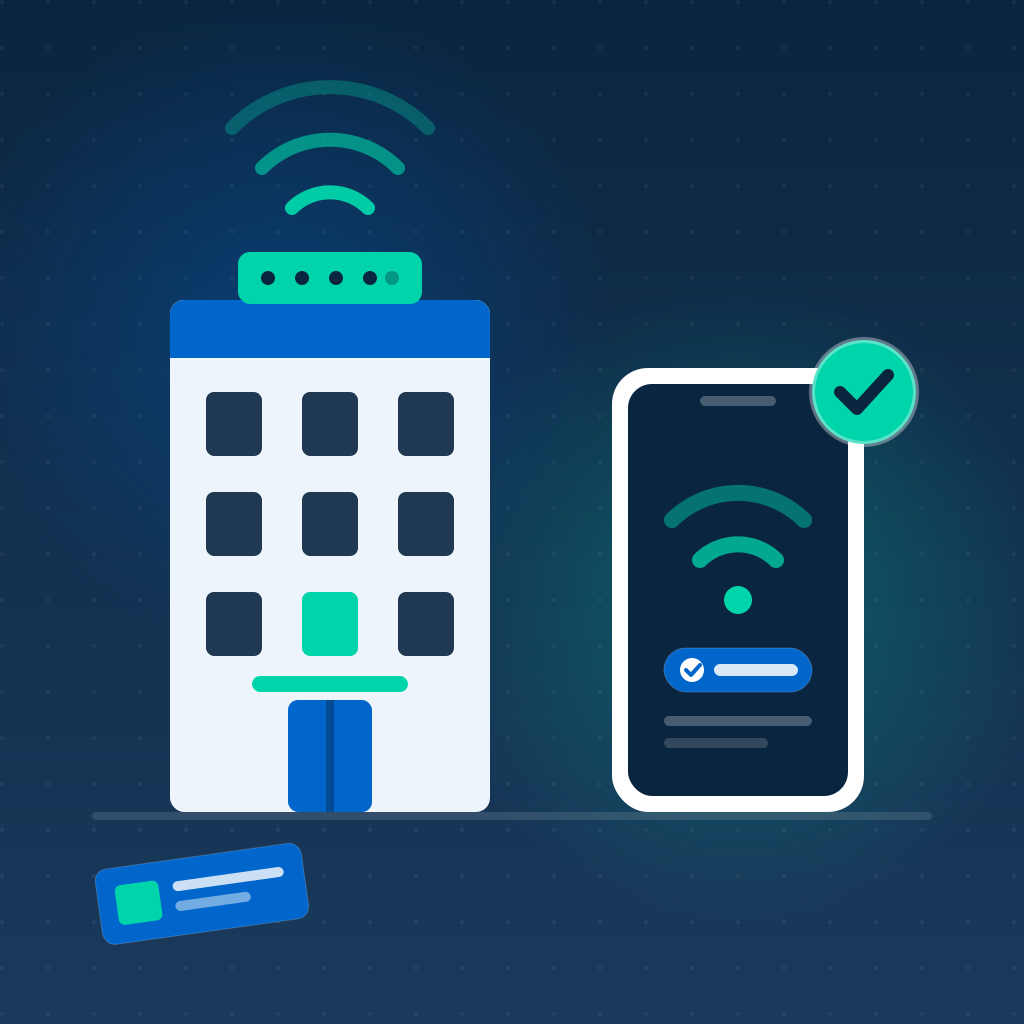
Wi-Fi CERTIFIED Passpoint, the Wi-Fi Alliance standard behind seamless hotspot roaming, changes the model entirely. Instead of authenticating a browser session, the portal or your hotel app provisions a secure network profile onto the device the first time a guest signs in. From then on the device recognizes the network and connects automatically, authenticated over 802.1X with WPA2- or WPA3-Enterprise encryption from the very first packet. Passpoint is supported by the major operating systems guests actually carry - iOS, Android, macOS, and Windows.
For a hotel, that changes three things:
- Returning guests are online before the elevator. Visit two never sees a splash page - the device joins on its own the moment it hears the network
- The air itself is encrypted. Unlike an open guest SSID, a Passpoint connection encrypts traffic over the air, which also helps protect guests against rogue "evil twin" hotspots imitating your network from the parking lot
- The profile can travel across the brand. A credential issued at one property can be honored at every property in the group - a guest who checked in once in Chicago auto-connects in Miami
Federation pushes this one step further. The Wireless Broadband Alliance's OpenRoaming framework links Passpoint networks into a global roaming fabric that had already surpassed one million hotspots by mid-2022, spanning airports, universities, stadiums, and office buildings - with hospitality among its named verticals. A guest carrying an OpenRoaming credential from their employer or university can join your lobby WiFi without ever seeing a login page. IronWiFi's Passpoint service issues the profiles and runs the RADIUS authentication behind both models; for a deeper look at when each one fits, see our comparison of Passpoint and captive portals.
How Do You Keep Guests, Staff, Payments, and Room Tech Apart?
A hotel is at least four networks wearing one set of access points, and the second half of guest WiFi done right is making sure those populations never mix:
- Guests belong on their own segment with client isolation, so no guest device can see another and a compromised laptop in one room stays a problem for one room
- Staff belong on a WPA-Enterprise (802.1X) network with per-user credentials tied to your staff directory. Housekeeping tablets and manager laptops map to named people, and when someone leaves, disabling their account disconnects their WiFi the same minute
- Payment systems sit in scope for PCI DSS 4.0.1, which brings its own wireless requirements - segmentation from guest traffic, quarterly rogue access point scans, and no vendor-default credentials. Our guide to PCI DSS WiFi requirements covers what hospitality networks must get right
- Room tech - smart TVs, thermostats, connected locks, occupancy sensors - gets its own segment with per-device identities, because a streaming box should never have a route to the property management system
The Question to Ask Your Integrator
"Can a laptop in room 214 see the laptop in room 216 - and can either of them reach the front desk workstation?" Both answers need to be no, and proven with firewall rules and a scan, not assumed from a network diagram.
What About Guest Privacy and the Data You Collect?
Guests notice data grabs. In the same Hotel Internet Services survey, more than 90 percent of respondents said they are concerned about data security on hotel networks. A portal that demands an email address, a birth date, and a marketing opt-in in exchange for basic connectivity is a trust withdrawal at the exact moment the property is trying to make a deposit.
- Collect what the stay requires and stop there. Room-and-name verification authenticates a guest without building a marketing profile
- Say what you keep and for how long. A one-line retention statement on the portal costs nothing and reads as respect
- Know your jurisdiction. Properties serving EU and UK guests should pair this article with our guide to GDPR-compliant guest WiFi
- Prefer aggregates to profiles. Occupancy patterns, per-zone load, and connect success rates from network analytics answer the operational questions without hoarding personal detail
Ready to Retire the Password-of-the-Day?
IronWiFi gives hotels branded captive portals with per-stay sessions, Passpoint auto-connect for returning guests, 802.1X staff authentication, and clean segmentation - on the access points you already own.
Start Free Trial Explore Hospitality WiFiConclusion
Guests told the industry what they want years ago: WiFi that is fast, safe, and invisible. The properties closing the gap are not necessarily the ones spending the most on access points - they are the ones treating access as identity. Verify the stay in one step. Provision a Passpoint profile so every later connection is automatic and encrypted. Keep guests, staff, payments, and room tech on provably separate segments, and collect no more data than the stay requires.
Do that, and the network drops out of the reviews for the right reason: nobody writes home about an amenity that simply works. The password-of-the-day had a good run. Let it retire.

Daniel Konecny
Blog Writer, IronWiFi
Daniel writes about enterprise WiFi authentication and identity security at IronWiFi. With deep expertise in RADIUS, 802.1X, and cloud infrastructure, he covers practical network security for IT teams managing thousands of devices.
About the author