

Campus WiFi Without the Headaches
Looking for WiFi solutions for schools that don't need a server room? Our cloud-based education WiFi handles everything — no servers, no hardware, no IT overhead. Most schools are up and running in a day.
From $7 per student / year for schools — staff free with student coverage, no per-AP charges.
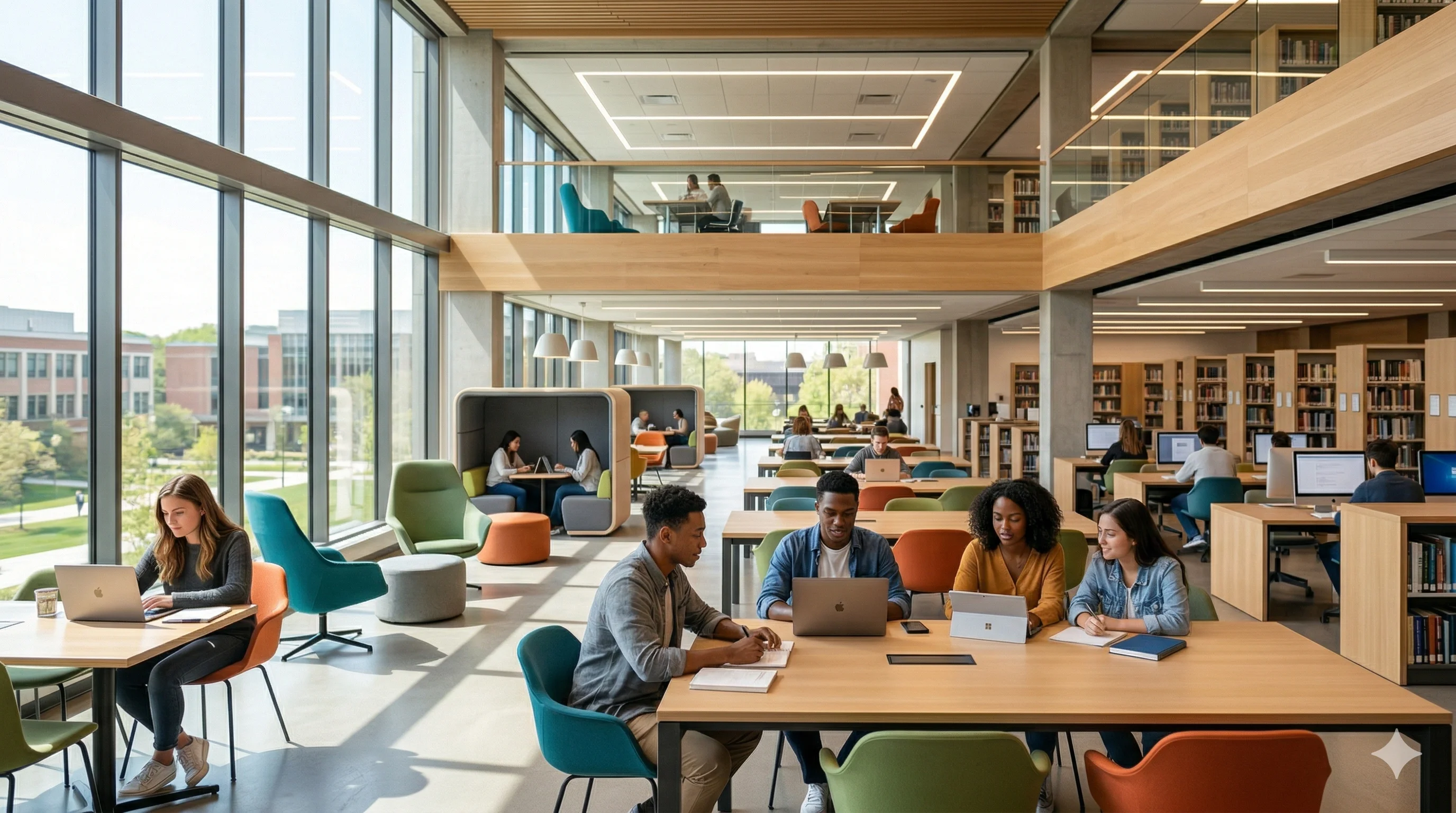
WiFi solutions for schools and universities provide secure, scalable campus network access for students, faculty, and guests across multiple locations. IronWiFi offers cloud-based eduroam and WPA-Enterprise for schools and universities, integrating with student information systems, supporting BYOD onboarding — priced per enrolled student at $9/student/year under 1,000 students and $7/student/year from 1,000 to 2,500, with staff and faculty included free (billed annually, purchase orders accepted).
What WiFi Access Does Each Campus Role Need?
Students, teachers, and guests all need different things. We've got you covered.
Easy Access for Students
Students, Visitors, Campus Guests
Students log in once with their school account and they're connected. No confusing passwords to remember, and IT can disable their access in one place when they graduate or leave.
Secure Network for Faculty
Teachers, Staff, Administrators
Teachers and staff get their own encrypted network that keeps grades, student records, and admin systems safe. They just use their existing school login — no extra passwords needed.
Zero-Touch for School Devices
School-Issued Devices
Chromebooks, iPads, and laptops that the school owns? They connect automatically - students don't have to do anything. Lost a device? Revoke its certificate in the IronWiFi console.
Which Types of Schools Does It Work For?
From elementary schools to research universities, we've seen it all
K-12 Schools
Kid-safe WiFi that works with your content filter and meets CIPA requirements
Universities
One login that works across the entire campus — dorms, libraries, labs, everywhere
Libraries
Let patrons connect easily with time limits and library card authentication
Dormitories
Give each resident their own connection with fair bandwidth limits
Distance Learning
Students can access campus resources from home without the VPN hassle
Computer Labs
Shared computers connect securely without students needing to log in each time
Why Do Schools Love Working With Us?
We understand education. Here's what makes the difference.
You're Covered on Compliance
FERPA, CIPA, GDPR, SOC 2 — we've got the certifications, so you don't have to worry.
See What's Happening
Track peak times, monitor devices, and pull reports when auditors come knocking.
Keep Networks Separate
Students, teachers, guests, and smart devices all stay on their own networks automatically.
No Servers to Maintain
Everything runs in the cloud. Manage all your locations from one dashboard, and we handle the updates.
Why Don't Shared Passwords Work for Schools?
Here's what you're missing with a simple password-based network
Does It Work with eduroam?
Your students and staff can connect at universities worldwide using the same login they use at home via eduroam. It's like WiFi that travels with them.
- Auto-connects at 10,000+ universities and colleges
- Same login works everywhere in the network
- Perfect for conferences and visiting researchers
- No extra setup needed on their end
eduroam
Global Education Roaming
How Does BYOD Onboarding Work?
Students set up their phones and laptops in under 2 minutes
Join the Setup Network
Students connect to a guest network and see your school-branded setup page.
Log In with Their School Account
They sign in with Google, Microsoft, or whatever your school uses. No new passwords to create.
Done - They're Connected
Their device gets a certificate and joins the secure network automatically. That's it.
Which Device Management Systems Does It Support?
School devices connect automatically — students don't have to do anything
Google Admin
Chromebook fleet
Jamf Pro
Apple devices
Microsoft Intune
Windows & mobile
Mosyle
Apple education
Which Identity Providers Does It Support?
No need to create new accounts — we work with what you've got
Which Devices Does It Support?
Chromebooks, Macs, iPads, phones — they all just work
Chromebook
Windows
macOS
iPad/iOS
Android
How We Compare for Education
See why schools and universities choose IronWiFi.
vs Cisco ISE
ISE is enterprise-grade and enterprise-priced. Most K-12 districts don't need NAC — they need BYOD onboarding, content filtering integration, and eduroam support at a budget that works with E-Rate.
vs Microsoft NPS
NPS is free but limited — no certificate management, no self-service enrollment, no eduroam. When it breaks at 8 AM on a Monday, you're on your own.
vs Manual RADIUS
Managing FreeRADIUS across campuses means server sprawl and inconsistent configs. IronWiFi centralizes everything — one policy, all campuses, with AD/Google Workspace sync.
Simple Per-Student Pricing
One number, sized the way school budgets are: by enrollment. No per-AP arithmetic, ever.
K-12 Schools
Under 1,000 students. $7 / student / year from 1,000 to 2,500. Staff and faculty connect free. Everything included: Cloud RADIUS, captive portal, certificates, analytics, API.
Staff-Only Deployments
Only need secure staff WiFi? The same per-person rates apply to your staff headcount. Add students later and staff become free.
Universities & Districts
Higher education is priced per active user ($6 from 1,000 to 2,500 users). Campuses from 2,501 to 9,999 users get a campus-wide quote, and campuses with 10,000 or more active users qualify for our large-campus rate, quoted by sales. Districts over 2,500 students get district-wide pricing sized to enrollment.
Billed annually, $600 / year platform minimum. We invoice against a purchase order for annual plans. Start now and be live before the school year.
Questions We Hear a Lot
Here are the answers to what most schools ask us
How do students connect their own devices?
They visit a simple setup page, sign in with their school Google or Microsoft account, and they're done. Takes about 2 minutes, tops.
What happens when someone leaves or graduates?
Disable the user in IronWiFi, use Disable & Revoke Certs and check the authentication logs as part of your offboarding checklist. Suspending or deleting a user in Google Workspace does not currently disable them in IronWiFi. If you sync from Microsoft Entra ID, confirm the user shows as disabled in IronWiFi - a known issue can currently undo Entra deactivations. A device that is already connected stays on until it re-authenticates.
Can teachers and students be on different networks?
Absolutely. You can set up separate networks with different rules, bandwidth limits, and access levels based on whether someone's a student, teacher, or guest.
What about school-owned Chromebooks?
Those connect automatically through Google Admin Console. Students don't have to do anything — the Chromebook just works when they open it.
Will this work with our content filter?
Yes! We work alongside GoGuardian, Lightspeed, and other filters you're already using. We can even route students to filtered networks automatically.
How much does it cost?
Schools pay per enrolled student: $9 per student per year under 1,000 students, $7 from 1,000 to 2,500. Staff and faculty are included free, and we never count access points. Pay by purchase order or card.
Do we need to replace our access points?
Probably not. We work with Meraki, Aruba, UniFi, Ruckus, and other 802.1X-capable brands. If your APs support RADIUS, they'll work with us.
How Do You Get Started?
Most schools are up and running in a day or less
Set Up Your Networks
Create your student and faculty networks in our console. Then point your existing access points to us — it takes about 15 minutes.
Connect Your School Directory
Link up Google Workspace, Microsoft 365, or whatever directory you use. Everyone can log in with their existing accounts.
Everyone Connects
Students and teachers use their school login to get online. School devices connect automatically — no login needed.
From Signup to Live: Your Onboarding Path
A clear, step-by-step path — no surprises, no consultants, no complexity.
Start a 14-day trial, then follow the WPA-Enterprise quick-start
Create account, connect identity provider
Configure SSID 1: Staff — WPA-Enterprise via Microsoft Entra ID / Google
Configure SSID 2: Students — WPA-Enterprise with per-student credentials
Configure SSID 3: Guest / Visitor — captive portal with email or voucher
Configure SSID 4: IoT / Devices — MAC auth for printers, cameras, AV
Set up SCEP enrollment portal for student device self-enrollment
Set VLAN segmentation per SSID
Pilot in one building or department
Communicate to students/staff: how to connect, self-service portal URL
Full campus rollout (building by building)
Offboarding: when a student graduates, confirm the user is disabled in IronWiFi, use Disable & Revoke Certs and check the authentication logs
Key Integrations
Ready to get started?
Let's walk through it together
Our onboarding team will guide you through each step — most customers are live within a day.
Setup in minutes · Cancel anytime
Talk to a WiFi Identity Specialist
- Walk through a deployment for your industry
- See how similar organizations use IronWiFi
- Get a custom setup plan
Set up in under 30 minutes