
When you're designing enterprise Wi-Fi in 2026, one of the biggest decisions is how users get authenticated. Two approaches dominate: the tried-and-true captive portal and the newer Passpoint (Hotspot 2.0) standard. Each has its strengths - and understanding those trade-offs will save you headaches down the road.
Let's break down both approaches so you can figure out which one fits your situation - or whether you need both.
What Are the Two Approaches to Guest Wi-Fi?
What is a Captive Portal?
You've seen these a million times. Connect to a Wi-Fi network, and before you can actually use it, a web page pops up asking you to accept terms, enter credentials, or hand over an email address. The network intercepts your HTTP traffic and redirects it until you've jumped through the hoops.
Captive portals have been the standard guest Wi-Fi solution for over two decades. Everyone knows how they work, they're flexible to implement, and they work with basically any device that can open a browser.
What is Passpoint (Hotspot 2.0)?
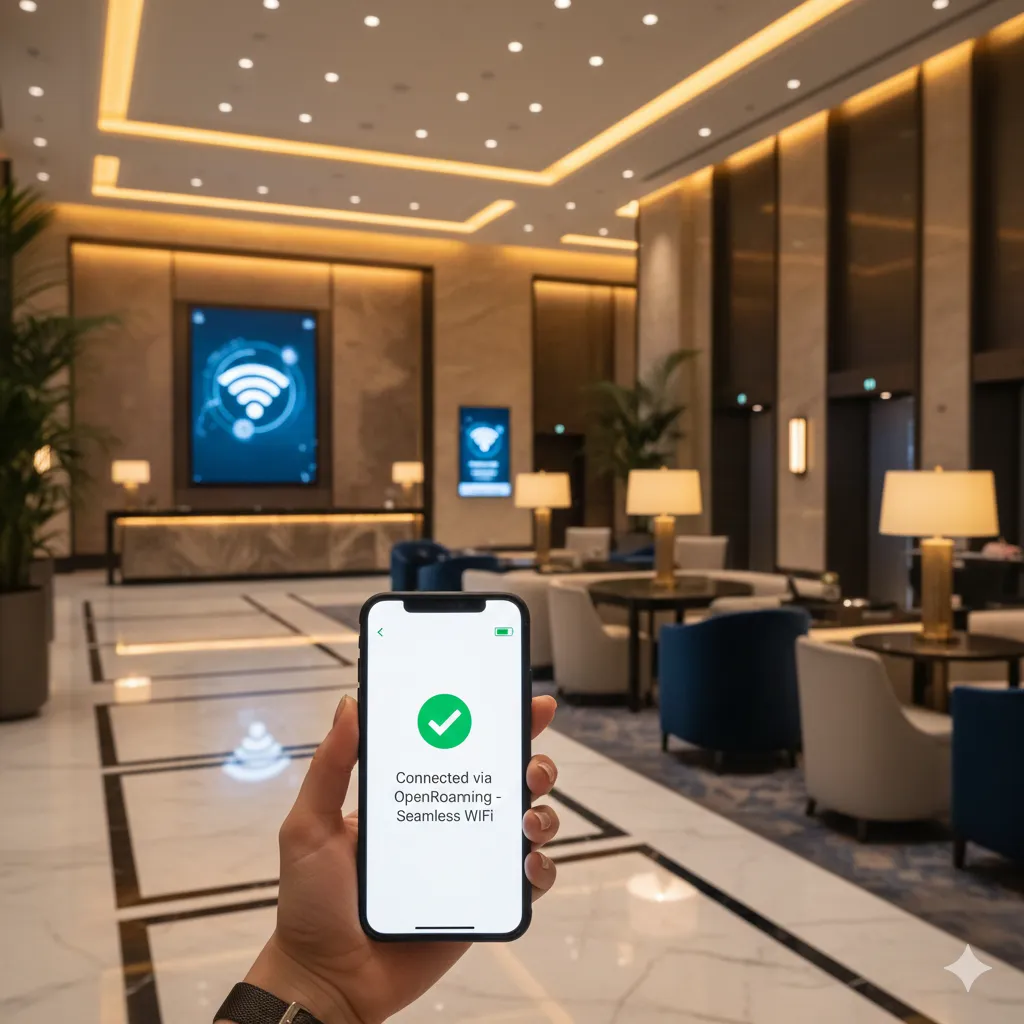
Passpoint is based on the IEEE 802.11u standard, and it takes a completely different approach. Devices automatically discover and securely connect to compatible Wi-Fi networks without any user interaction. Think of it like cellular roaming - your phone just finds and connects to compatible networks based on credentials you've already set up. This is the same technology that powers carrier WiFi offload and WiFi Calling.
Passpoint uses WPA2/WPA3-Enterprise encryption and authenticates through EAP methods - basically cellular-grade security for Wi-Fi. OpenRoaming extends this even further, creating a global federation of networks that devices can roam between seamlessly.
How Do They Compare Head-to-Head?
| Feature | Captive Portal | Passpoint |
|---|---|---|
| User Experience | Manual login required each time | Automatic, seamless connection |
| Security | Open network until authenticated; HTTPS for portal | WPA2/WPA3-Enterprise from connection start |
| Device Support | Universal (any Wi-Fi device) | Modern devices (iOS 7+, Android 6+, Windows 10+) |
| Setup Complexity | Low to moderate | Moderate to high |
| Branding Opportunities | Extensive (custom pages, logos, content) | Limited (connection is invisible) |
| Data Collection | Easy (forms, social login) | Limited (credential-based) |
| IoT Device Support | Challenging (no browser) | Possible with certificate provisioning |
| Roaming | Re-authentication at each location | Seamless across federated networks |
What Is the User Experience Like?
Captive Portal Experience
The captive portal experience varies significantly by device and implementation:
- User selects the Wi-Fi network from available options
- Device connects to the open or PSK-protected network
- Captive Network Assistant (CNA) or browser detects the portal
- Login page appears, either in a mini-browser or full browser
- User completes required actions (login, accept terms, etc.)
- Network grants full access
Common friction points include:
- Detection failures: Some devices don't reliably detect portals
- Mini-browser limitations: CNA browsers may not support all features
- Session timeouts: Users must re-authenticate periodically
- Multiple devices: Each device requires separate authentication
Passpoint Experience
Once configured, the Passpoint experience is nearly invisible:
- Device scans for networks and discovers Passpoint-enabled AP
- Device checks if it has valid credentials for the network
- Automatic authentication occurs via 802.1X
- Secure connection established without user action
The initial setup, however, requires provisioning:
- Profile installation: Users install a configuration profile
- Certificate deployment: For certificate-based auth
- OpenRoaming signup: For federated access
User Experience Winner
Passpoint wins for repeat visitors and employees who benefit from zero-touch connection. Captive portals win for one-time visitors where the setup overhead of Passpoint isn't justified.
How Does Security Compare?
Captive Portal Security Model
Traditional captive portal security has inherent limitations:
- Open network exposure: Until authentication, traffic is unencrypted
- Evil twin vulnerability: Attackers can create fake networks with similar names
- Session hijacking: Without encryption, sessions can be intercepted
- HTTPS dependency: Security relies on web encryption, not network encryption
Mitigations exist but add complexity:
- Using WPA2-PSK with a posted password (still vulnerable to sharing)
- Implementing 802.1X after portal authentication
- Enforcing HTTPS throughout the portal flow
- Using OWE (Opportunistic Wireless Encryption) where supported
Passpoint Security Model
Passpoint provides enterprise-grade security from the start:
- WPA2/WPA3-Enterprise: Strong encryption from connection initiation
- 802.1X authentication: Mutual authentication between device and network
- Certificate validation: Networks prove their identity to devices
- No evil twin risk: Devices verify network authenticity before connecting
- Protected Management Frames: Prevents deauthentication attacks
Security Winner
Passpoint is the clear winner for security. The encryption and mutual authentication prevent the most common Wi-Fi attacks. For high-security environments, Passpoint should be strongly preferred.
How Do You Implement Each Approach?
Implementing Captive Portals
Captive portal implementation is well-understood:
Infrastructure requirements:
- Wi-Fi controller or cloud management with portal support
- Web server for hosting portal pages (or a managed captive portal platform)
- RADIUS server (optional, for credential validation)
- SSL certificate for HTTPS
Common challenges:
- Handling the diversity of device behaviors
- Managing HTTPS certificate warnings
- Supporting walled garden destinations
- Dealing with apps that don't trigger portal detection
Implementing Passpoint
Passpoint requires more infrastructure but delivers more capability:
Infrastructure requirements:
- Passpoint-certified access points
- RADIUS server with EAP support (see IronWiFi Passpoint)
- AAA infrastructure for credential management
- OSU (Online Sign-Up) server for provisioning (optional)
- PKI infrastructure for certificate-based auth (optional)
Configuration elements:
- ANQP (Access Network Query Protocol) settings
- Hotspot 2.0 venue information
- Roaming consortium configurations
- NAI realm definitions
Which Approach Fits Your Use Case?
When to Choose Captive Portals
Guest Wi-Fi in hospitality: Hotels, cafes, and restaurants benefit from captive portals because:
- Most guests are one-time or infrequent visitors
- Branding and marketing opportunities are valuable
- Data collection (email, room number) serves business needs
- Terms acceptance provides legal protection
Events and conferences: Temporary deployments favor captive portals:
- Quick setup without complex infrastructure
- Sponsor branding opportunities
- Attendee data collection for organizers
- Works with any device attendees bring
Retail environments: Customer Wi-Fi in stores benefits from:
- Marketing integration and promotions
- Social login for customer insights
- Location-based content delivery
- Loyalty program integration
When to Choose Passpoint
Enterprise employee Wi-Fi: Organizations benefit from Passpoint for staff:
- Seamless connectivity across all company locations
- Strong security meets compliance requirements
- IT can manage credentials centrally
- No ongoing user friction
Multi-venue operators: Chains and franchises gain from:
- Consistent experience across locations
- Single credential works everywhere
- Reduced support burden
- OpenRoaming enables partner network access
High-security environments: When security is paramount:
- Healthcare facilities with PHI concerns
- Financial institutions
- Government facilities
- Any environment where open networks are prohibited
Transportation hubs: Airports, train stations, and transit benefit from:
- Automatic connection as travelers move through
- No authentication friction during brief visits
- OpenRoaming support for international travelers
Can You Use Both Approaches Together?
Many organizations find that the best solution combines both approaches:
Dual SSID Strategy
- Passpoint SSID: For employees, frequent visitors, and those who complete onboarding
- Captive Portal SSID: For casual guests and one-time visitors
Progressive Onboarding
- First-time visitors use captive portal
- Portal offers Passpoint profile installation
- Returning visitors connect automatically via Passpoint
- Best of both worlds: easy first access, seamless return visits
OpenRoaming Integration
OpenRoaming adds another dimension by enabling automatic roaming for users who have credentials from any participating identity provider. IronWiFi's OpenRoaming RADIUS service handles the federation infrastructure. Your network can:
- Accept visitors with existing OpenRoaming credentials
- Issue credentials that work at other OpenRoaming venues
- Fall back to captive portal for non-OpenRoaming users
Ready to Implement Your Wi-Fi Strategy?
IronWiFi supports both captive portals and Passpoint, including OpenRoaming integration. Build the right solution for your needs.
Captive Portal PasspointTrusted by 1,000+ organizations in 108 countries
What Does the Future Hold?
The Wi-Fi authentication landscape continues to evolve rapidly in 2026:
Growing Passpoint Adoption
Device support for Passpoint is now nearly universal among modern smartphones, tablets, and laptops. As more networks deploy Passpoint, user familiarity will grow, and the chicken-and-egg problem of adoption will resolve.
OpenRoaming Expansion
The Wireless Broadband Alliance's OpenRoaming initiative is creating a global Wi-Fi roaming ecosystem. Major players including Google, Samsung, Cisco, and Boingo are participating, making seamless global Wi-Fi increasingly viable.
Captive Portal Evolution
Captive portals aren't standing still. Improvements include:
- Better device detection and handling
- CAPPORT protocol for improved portal detection
- Integration with mobile apps for smoother experiences
- Passpoint onboarding directly from portal pages
Wi-Fi 6E and Wi-Fi 7
New Wi-Fi generations require WPA3, which aligns well with Passpoint's security model. As networks upgrade, the security gap between captive portals and Passpoint may drive more organizations toward Passpoint.
How Do You Choose Between Passpoint and Captive Portals?
Consider these questions when choosing your approach:
- Who are your users? Employees and repeat visitors favor Passpoint; one-time guests favor portals.
- What are your security requirements? High-security environments should prioritize Passpoint.
- Do you need data collection? Marketing and analytics needs favor captive portals.
- What devices must you support? Legacy devices may require captive portals.
- Do you operate multiple locations? Multi-site operations benefit from Passpoint's roaming.
- What's your IT capacity? Captive portals are simpler to deploy initially.
Conclusion
Both captive portals and Passpoint have legitimate roles in enterprise Wi-Fi. Captive portals offer flexibility, universal compatibility, and marketing opportunities. Passpoint delivers superior security and user experience for repeat connections.
The best strategy often involves both: use captive portals to welcome new visitors and onboard them to Passpoint for future visits. This progressive approach lets you deliver immediate value while building toward a more seamless, secure future.
As Passpoint adoption grows and OpenRoaming expands through 2026 and beyond, the balance may shift further toward automatic authentication. But captive portals will likely remain relevant for scenarios where that first touchpoint, that moment of engagement with your brand, matters most.

Daniel Konecny
Founder & CEO, IronWiFi
Daniel founded IronWiFi to make enterprise WiFi authentication simple and secure. With deep expertise in RADIUS, 802.1X, and cloud infrastructure, he writes about practical network security for IT teams managing thousands of devices.
About the author